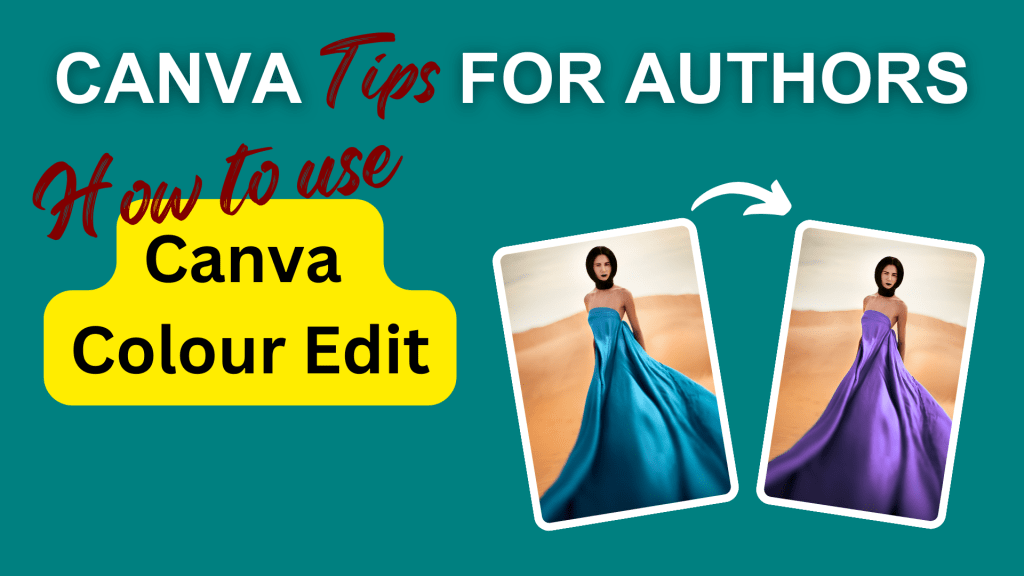
As the name suggests, you can use Canva’s new Colour Edit feature to change colours of parts of your photo. It also lets you separate out of the foreground from the background, which is really handy if you just want to make the background a bit darker, for example.
Here’s a tutorial on how to use the Colour Edit feature and a few examples of what you can make with it. This would be a super useful tool to use when making book covers.
Just hit the big red play button to watch the video on YouTube.
You can sign up for a free Canva account here: partner.canva.com/Jeev*
If you want to talk to other authors about how to use Canva in your book marketing, come and join the free Canva Tips for Authors Facebook group at facebook.com/canva4authors
* This is an affiliate link. It doesn’t cost you anything extra, but it gives me some small amount if you get a Pro account.
#Canva #Canvassador
 Jeevani Charika and Rhoda Baxter