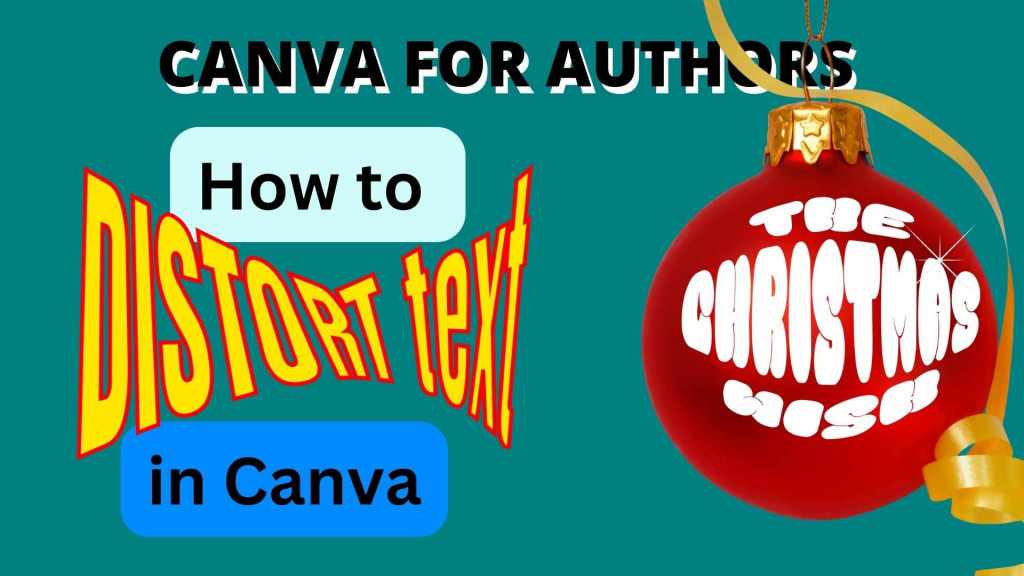
Let’s face it, sometimes you want text to do funky things. Now you can distort your text – make it wide at one end and thin at the other, or make it fit into a globe, that sort of thing – using the Typecraft app in Canva.
Here’s a tutorial on exactly how to use it and where you might use it in your book marketing. (Mainly, it’s a nice thing to be able to do on a book cover). Just click on the big red play button to watch the video on YouTube.
How will you use TypeCraft in your designs?
You can sign up for a free Canva account here: partner.canva.com/Jeev*
If you want to talk to other authors about how to use Canva in your book marketing, come and join the free Canva Tips for Authors Facebook group at facebook.com/canva4authors
* This is an affiliate link. It doesn’t cost you anything extra, but it gives me some small amount if you get a Pro account.
#Canva #Canvassador
#Canvassador #Canva
 Jeevani Charika and Rhoda Baxter