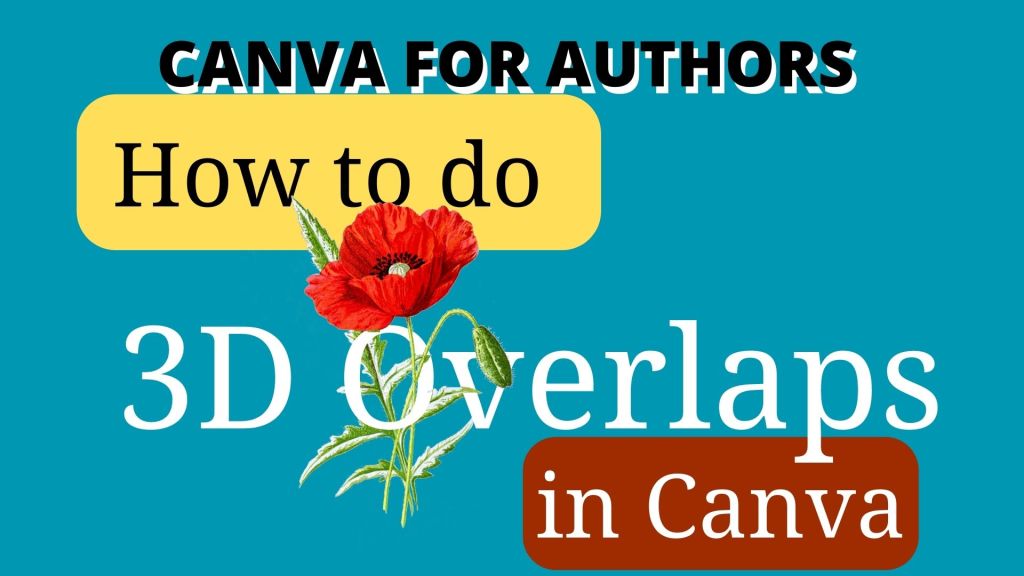
Sometimes, you want images to overlap and look like they’re going THROUGH each other – like the flowers going through the text in the thumbnail below. So, how do you do that in Canva?
Let’s find out.
In this video, I show you how to create a book cover using free elements and how to layer the images so that they go through each other convincingly.
Click on the red play button to watch the YouTube video
If you’ve found this tutorial useful, please share it (and subscribe to my YouTube channel – I’d be very grateful).
If you’d like a free Canva template – sign up to my newsletter here: https://jeevanicharika.com/canva-for-authors/
Join the free Canva for Authors Facebook group: www.facebook/groups/canva4authors
You can sign up for a free Canva account here: partner.canva.com/Jeev*
If you want to talk to other authors about how to use Canva in your book marketing, come and join the free Canva Tips for Authors Facebook group at facebook.com/canva4authors
* This is an affiliate link. It doesn’t cost you anything extra, but it gives me some small amount if you get a Pro account.
#Canva #Canvassador
 Jeevani Charika and Rhoda Baxter