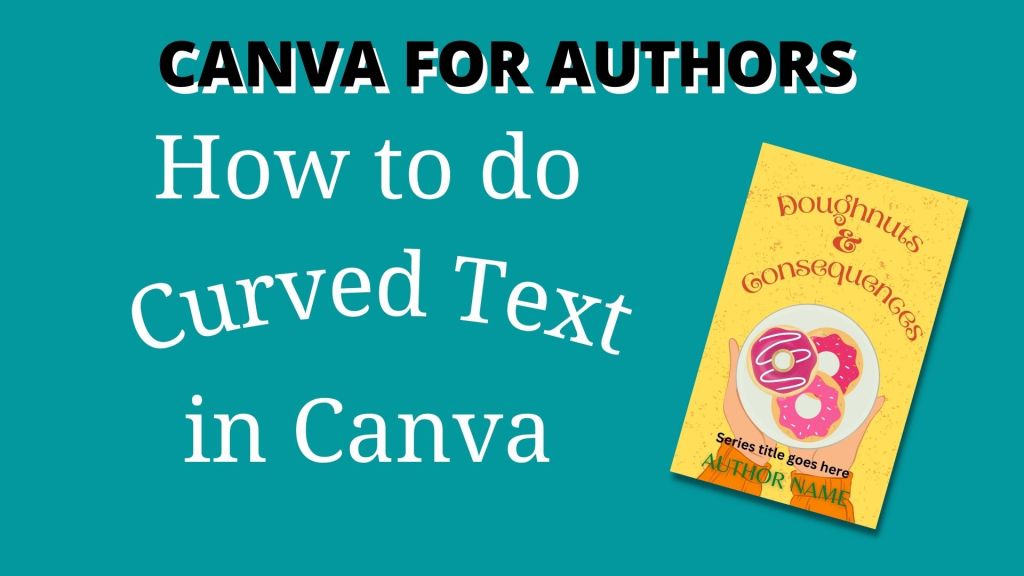
I enjoy making book covers. Sometimes, you just need to make your text curve round to look good (especially if you have long words in it!). Here’s a guide to how you do it.
Earlier this year, I set myself a challenge to create 25 book covers based on titles generated by ChatGPT (you can buy them as pre-made covers and put your own title and author name on them). Doughnuts and Consequences was one of those titles.
In the video below, I show how I made the cover using several different free elements in Canva and also how to make text curve to the right amount so that it lines up properly.
Just click on the play button in the middle of the image below to watch the video on YouTube.
If you’ve found this tutorial useful, please share it (and subscribe to my YouTube channel – I’d be very grateful).
If you’d like a free Canva template – sign up to my newsletter here: https://jeevanicharika.com/canva-for-authors/
Join the free Canva for Authors Facebook group: www.facebook/groups/canva4authors
You can sign up for a free Canva account here: partner.canva.com/Jeev*
If you want to talk to other authors about how to use Canva in your book marketing, come and join the free Canva Tips for Authors Facebook group at facebook.com/canva4authors
* This is an affiliate link. It doesn’t cost you anything extra, but it gives me some small amount if you get a Pro account.
#Canva #Canvassador
 Jeevani Charika and Rhoda Baxter